
BOM Structuring


Engineering and procurement teams regularly need to create structured Bills of Materials from unstructured supplier spreadsheets. Component data arrives in varying formats across multiple Excel files. Buyers must manually identify relevant parts, enrich records with missing technical specifications, cross-reference against parts databases like SiliconExpert, and prepare a clean CSV for upload to the Parts Management System. The process is time-consuming, error-prone, and spans multiple systems.
- Upload and consolidate multiple unstructured Excel files
- Manually identify relevant data points and headers across sheets
- Research and fill in missing technical specifications on third-party sites
- Review and correct data manually across spreadsheets
- Cross-reference parts across SiliconExpert and PMS manually
- Resolve duplicate or ambiguous part matches by researching each one
- Manually convert final data to CSV and format for PMS upload
- Assistant facilitates upload of multiple files into a single working environment
- Assistant guides targeted selection of required BOM data points
- AI model enriches sheet with missing specs using structured prompts and detects generic parts
- AI output presented in easy-to-review format with NOK flags for manual adjustment
- Assistant automatically aligns data across BOM, SiliconExpert, and PMS
- Screen-aware assistant pauses for manual selection when multiple matches exist, then resumes
- Assistant automatically converts to CSV and prepares file for PMS upload
The Assistant triggers directly over engineering spreadsheets in SharePoint to help buyers identify and extract specific component data from multiple unstructured Excel files. It streamlines the creation and enrichment of a Bill of Materials (BOM) by operating as a contextual layer that guides the user through document preparation and data alignment.
To begin the process, the Assistant facilitates the upload of multiple unstructured Excel sheets. It handles various file formats and layouts simultaneously, allowing the user to consolidate all necessary raw data sources into a single working environment.
The Assistant helps the user navigate the uploaded documents to select the specific data points required for the BOM. This ensures that only relevant information is extracted from the unstructured sheets, providing a clean foundation for the subsequent automation and enrichment steps.
The Assistant feeds the selected data into a locally running AI model using structured prompts. This automatically enriches the sheet with missing technical specifications (capacities, voltages, dielectric info) and detects generic parts within the Bill of Materials that require more specific identification.
The AI-generated output is presented in an easy-to-digest format for immediate inspection. The user can review the enriched data and perform any necessary manual adjustments or refinements directly within the Excel file to ensure complete accuracy before the data is synchronized. Entries flagged as NOK are highlighted for attention.
The Assistant automatically aligns data between the Bill of Materials, SiliconExpert, and the internal Parts Management System. By cross-referencing these platforms, it ensures that part numbers, lifecycle statuses, and technical data are consistent across all systems prior to upload.
As a screen-aware helper, the Assistant identifies cases where multiple part matches exist and pauses the automation. This allows the buyer to manually intervene, select the correct component, and unblock the process, ensuring the data is 100% correct.
In the final step, the Assistant automatically converts the structured and enriched data into the required CSV format. It then handles the final preparation for the Parts Management System, ensuring the file is formatted correctly for a successful and error-free upload.
Explore our collection of Matterway Skills for different use cases that highlight the results & task steps before and after Matterway is implemented.

Investigate transactions that have been flagged as having politically exposed persons (PEP) involved and decide whether the transaction should be approved or rejected.

.png)
Investigate transactions that have been flagged to involve sanctioned persons or countries and decide whether the transaction should be approved or rejected.

.png)
Review broken wire transactions and take appropriate follow-up action to unblock the payment.


Reconcile investor accounts in Excel in a streamlined fashion while maximising process compliance.


Review training requests for employees, register them in the HR Suite, and finally purchase the training on the company’s intranet platform


Review & calculate policy renewal premiums for property & casualty insurance, considering various factors.


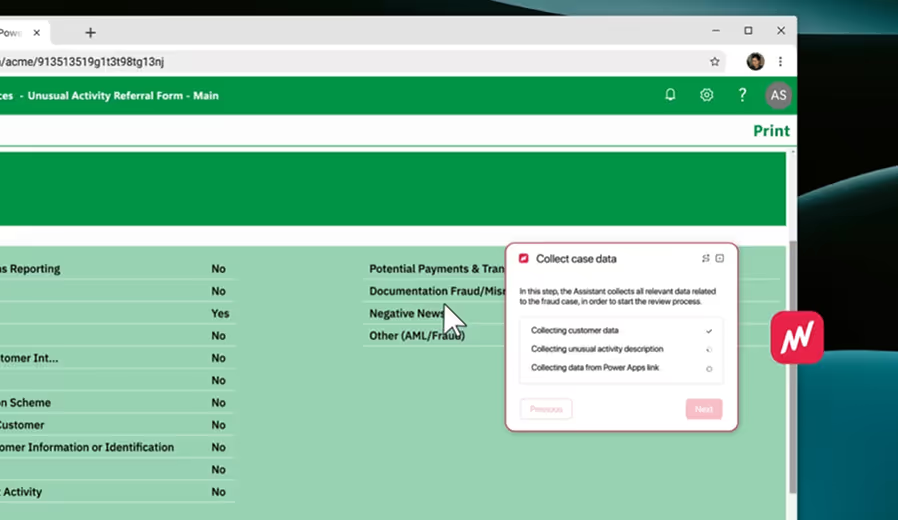
Review reports of unusual customer activity by investigating account & transaction data, and route them to the appropriate expert team for further action.


All rights reserved.